Table of contents
Open Table of contents
After Re-wiring
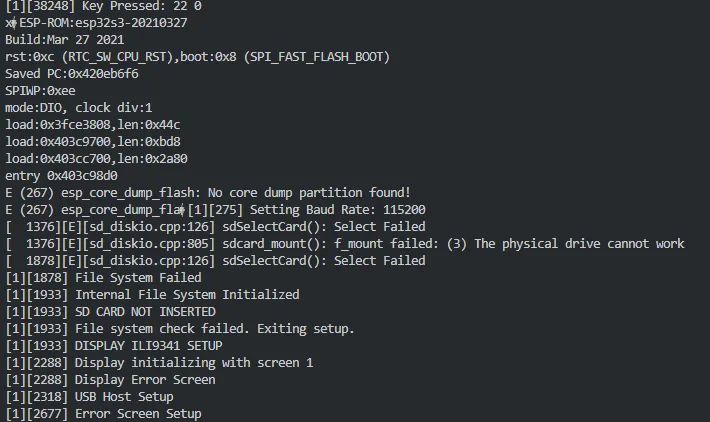
There is a change here, in that it now says
[ 1376][E][sd_diskio.cpp:126] sdSelectCard(): Select Failed
rather than
[ 577][E][sd_diskio.cpp:199] sdCommand(): Card Failed! cmd: 0x00
[ 281][E][sd_diskio.cpp:805] sdcard_mount(): f_mount failed: (1) A hard error occurred in the low level disk I/O layer
[ 277][E][sd_diskio.cpp:805] sdcard_mount(): f_mount failed: (3) The physical drive cannot work
E (9541) HUB: Root port reset failed E (18152) HUB: Bad transfer status 1: CHECK_SHORT_DEV_DESC E (18152) HUB: Stage failed: CHECK_SHORT_DEV_DESC E (23965) HUB: Bad transfer status 1: CHECK_SHORT_DEV_DESC
Going to try using a Rigol DM3068 Benchtop Multimeter to test if the wires are properly connected, as the above errors seem to occur when certain wires are moved.
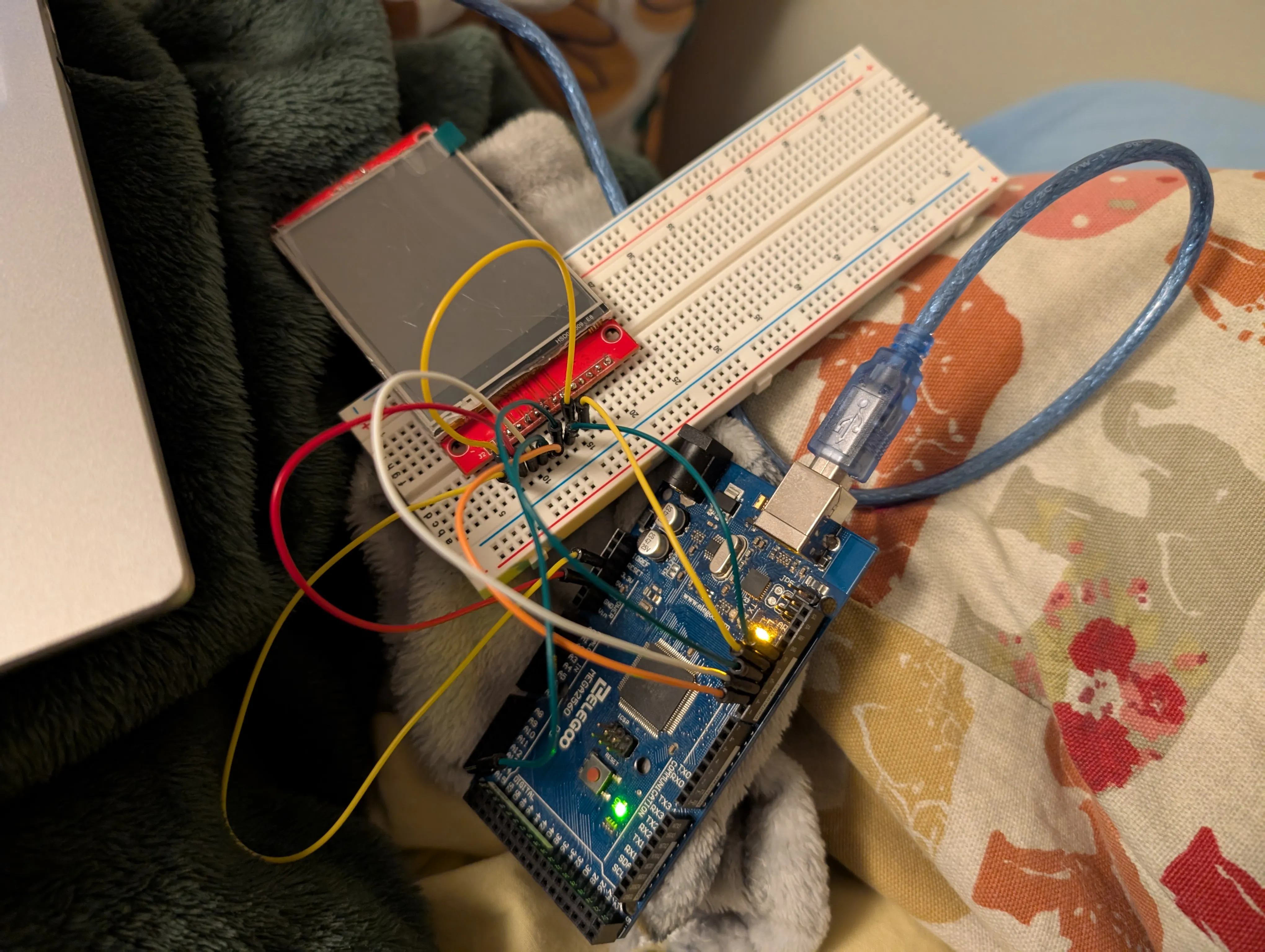
I wasn’t able to diagnose the problem with the multimeter, but since everything else is working I decided to desolder the screen and connect it to an Arduino using a breadboard to test if that was the problem.
I’m not sure if I did the wiring correctly, but nothing showed up on the screen. It’s possible my resoldering has broken something within the board, so I’m going to buy a new one and see if the problems persist. If they do, then I have a spare board to use for another project, and if they don’t then this board was never going to work.
New Screen
I initially tested the new screen with the same Arduino configuration as I was using before. The screen turned on, a noticable difference from last time, and data was definitely being transferred. However, it only seemed to display on the screen while the RST button was held. Research told me this was a somewhat common problem, possibly due to the screen being powered by 5V? I tried some things including digitalWrite(TFT_RST, HIGH) but was unsuccessful in making a change.
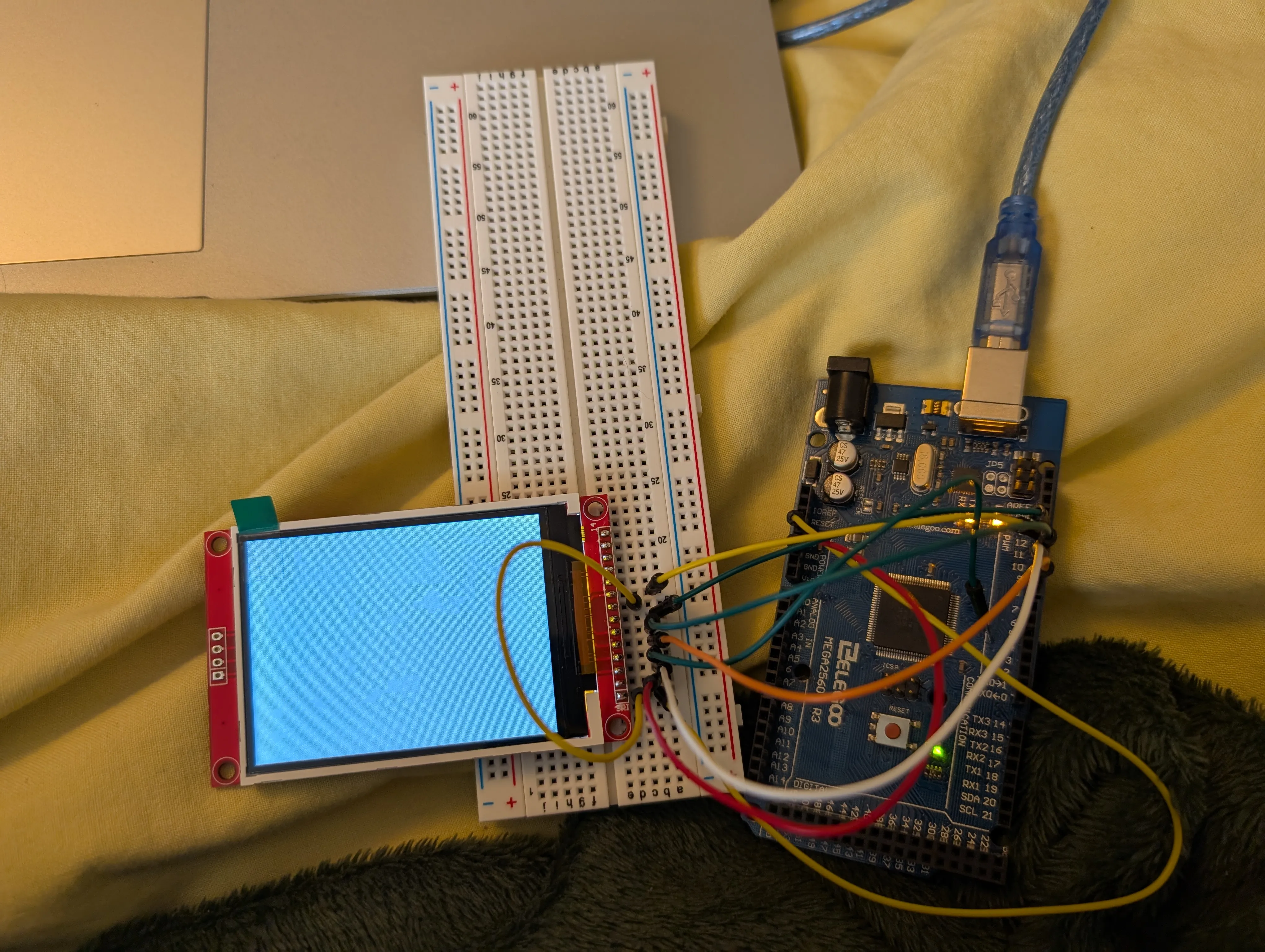
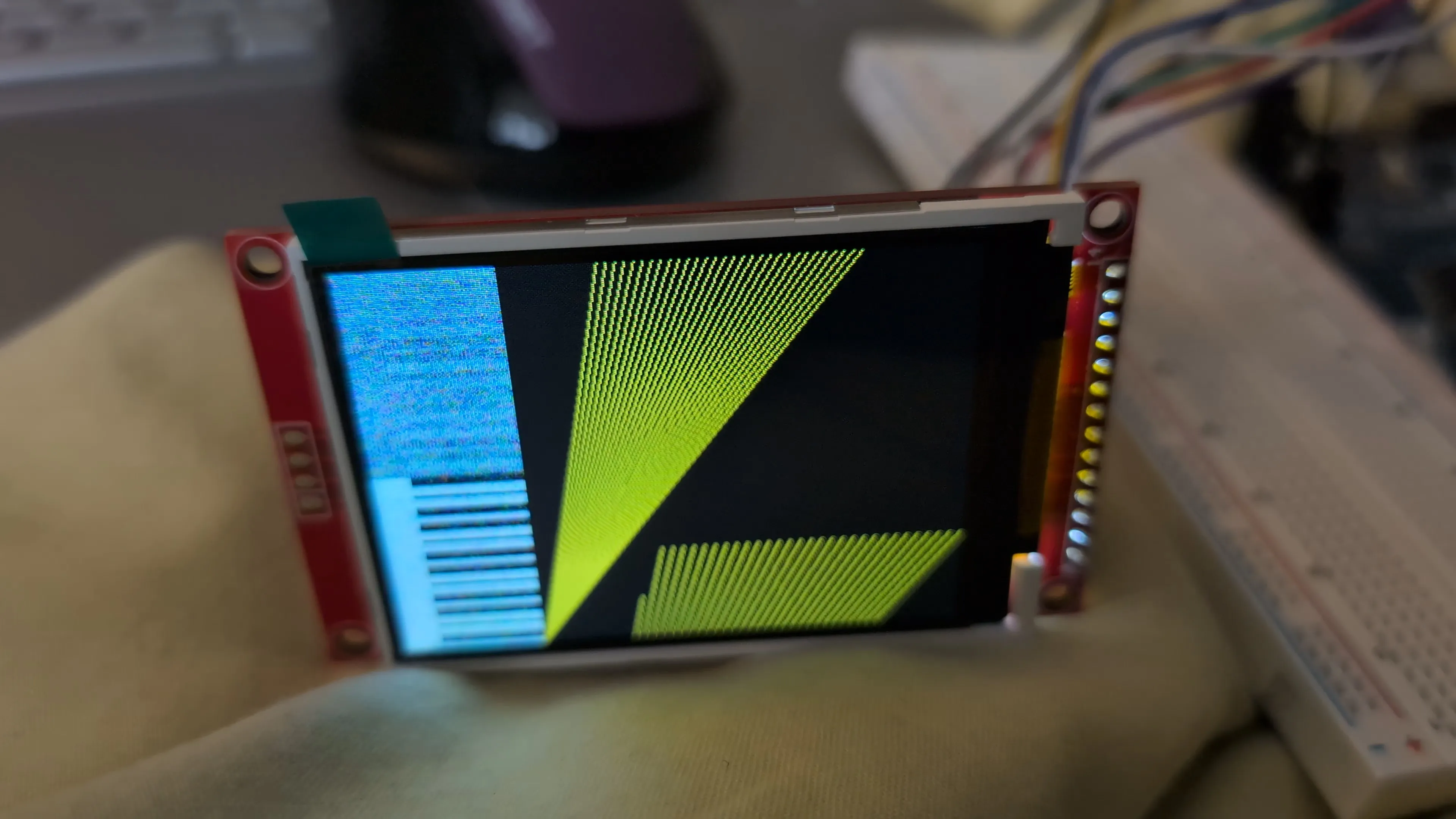
Given this, I switched back over to the ESP32. Using a breadboard this time, The screen sucessfully displays… something. I get a generic ‘SD CARD NOT INSERTED’ message, which at least proves the screen is powered and not suffering the issue with the RST button as before, but attempting to connect the SD card side in did nothing to change this message. The screen stops working when an SD card is inserted, which seems to have nothing to do with me, and my monnitor on platformio still can’t find the SD card.
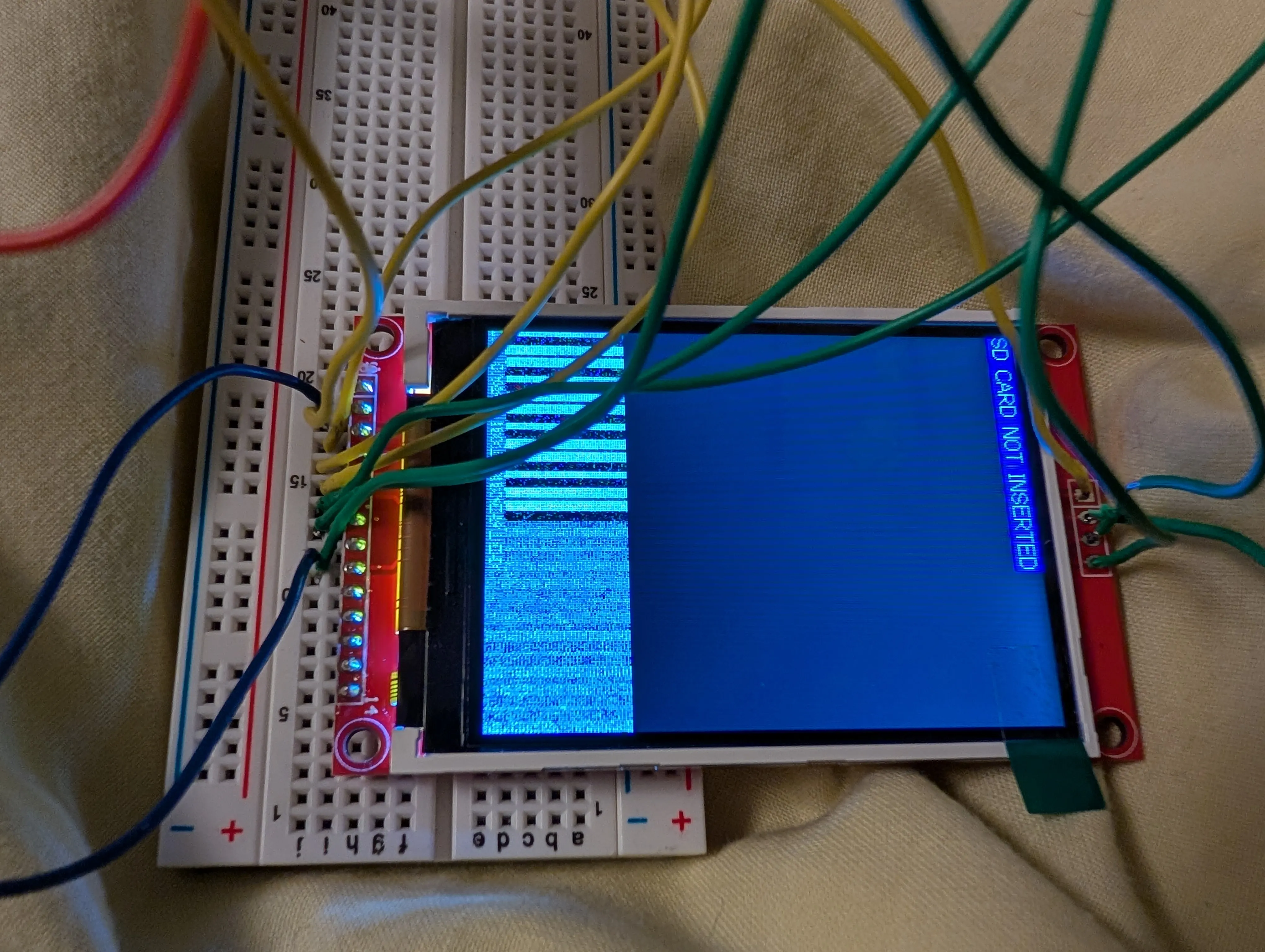
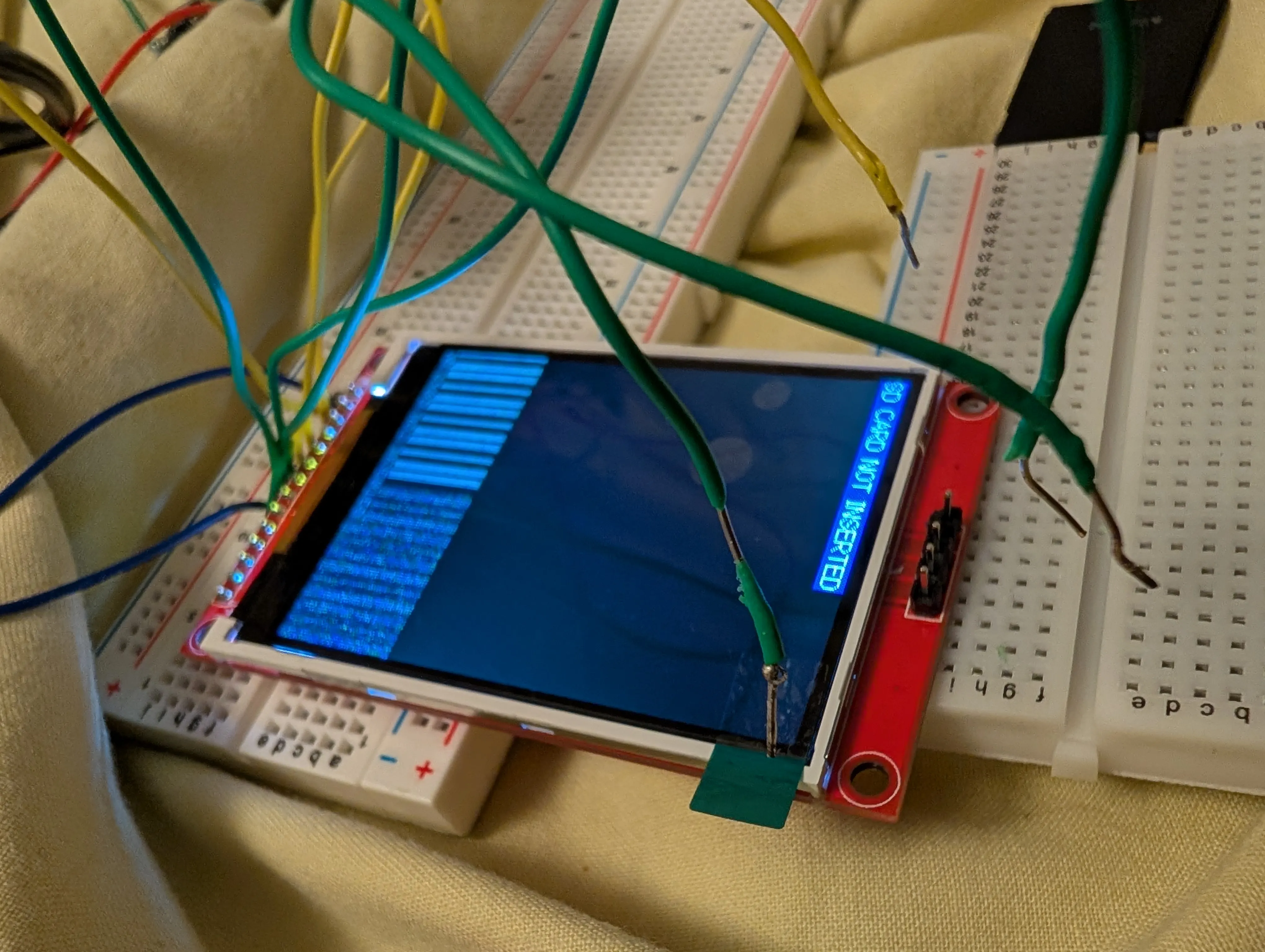
After wisely asking for some help, we determined I had wired the ground and vcc wires backward. Fixing this got the screen to display the test program, so the screen definitely works, but inserting the sd card stops everything from working. The sd card being inserted causes one component on the board to heat up, which possibly blew up when the board was wired backwards. So I can either:
- replace that one component (may risk breaking things again)
- buy another new board
This is a learning process, so I’m probably going to use this board for a raspberry pi or something and buy a new board with everything I’ve now learned.
3D Printing